
Description
Overview
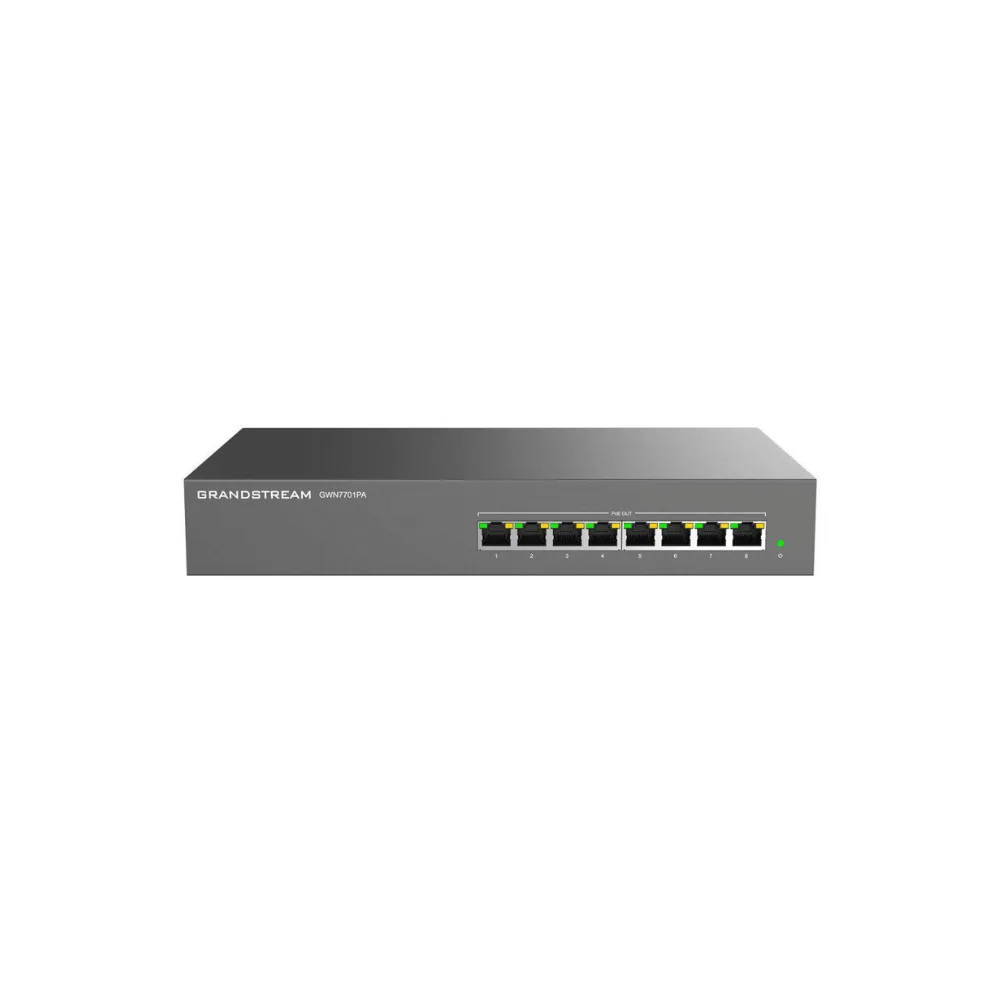
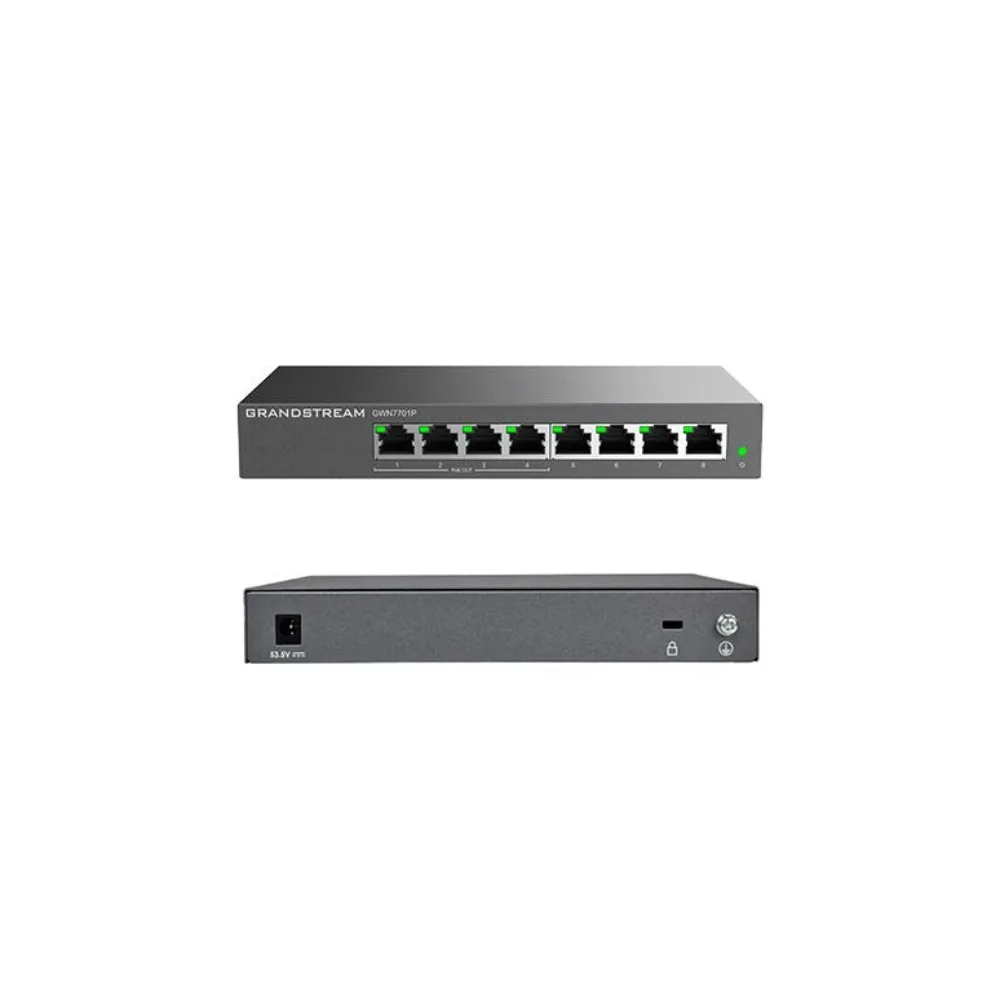
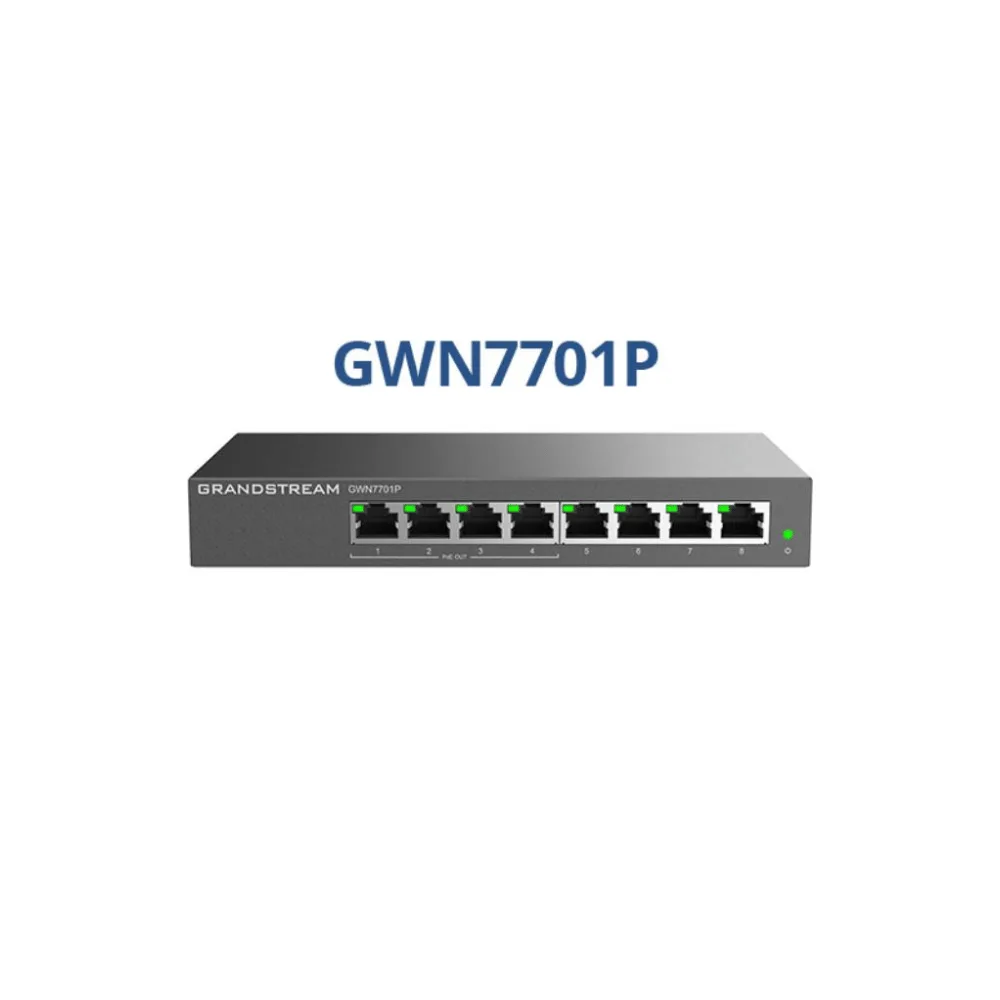
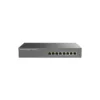
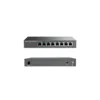
Expand your network with more ports and powered connectivity using the Grandstream GWN7701P 8-Port Unmanaged PoE+ Gigabit Network Switch, a budget-friendly switch built for home offices and small-to-medium businesses that need a professional network setup without the hassle. With 8 Gigabit RJ45 ports, 4 of which deliver PoE+ power, and a 60W total power budget, the GWN7701P is a simple way to add both data and power connectivity in one device.
Requiring no configuration or installation, the GWN7701P offers a total switching capacity of 16Gbps, automatically recognises the link speed of connected devices, and uses smart, dynamic PoE allocation to keep VoIP phones, Wi-Fi access points, and other PoE endpoints reliably powered. Its sturdy metal enclosure is desktop or wall-mountable for a clean, space-efficient installation.
Quick Specs
- Product Type: Unmanaged Gigabit PoE+ Network Switch
- Total Ports: 8 x Gigabit RJ45 (10/100/1000Mbps)
- PoE Ports: 4
- PoE Standards: IEEE 802.3af/802.3at (PoE+)
- Power per Port: Up to 30W
- Total PoE Power Budget: 60W
- Switching Capacity: 16Gbps
- Configuration: Plug-and-play, no setup required
- Enclosure: Metal, desktop or wall-mountable
- Traffic Management: QoS, IGMP snooping, storm control, IEEE 802.3x flow control
- Connectivity: Auto MDI/MDIX and auto-negotiation on all ports
- Ideal For: Home offices, small-to-medium businesses, enterprise edge deployments
Why Buy
- More ports, same simplicity: Eight Gigabit ports give more room to grow than a 5-port switch, while keeping the same zero-configuration setup.
- Power and data over one cable: Four PoE+ ports with a 60W total power budget let you run IP phones, access points, and cameras without separate power adapters.
- Smart, dynamic power delivery: Intelligent PoE output ensures each connected device receives a stable power supply, automatically managing allocation across the four PoE ports.
- Solid switching performance: A 16Gbps switching capacity keeps traffic moving smoothly across all eight Gigabit ports.
- Reliable traffic handling: Built-in QoS, IGMP snooping, storm control, and flow control help maintain stable performance as more devices are added.
- Flexible, space-efficient installation: A durable metal enclosure can be placed on a desktop or mounted on a wall, keeping the switch out of the way.
- Energy-efficient design: Green technology helps minimise power consumption while maintaining full switching performance.
Insights
The Grandstream GWN7701P is the natural step up for anyone who’s outgrown a 5-port switch but doesn’t need — or want to pay for — a fully managed solution. As part of Grandstream’s GWN7700 unmanaged switch series, it doubles the port count of the GWN7700P to 8 Gigabit ports while keeping the same 4 PoE+ ports and 60W power budget, making it a straightforward upgrade path as a network grows.
Its appeal lies in the combination of more connectivity and continued simplicity — there’s still nothing to configure, and the switch’s smart dynamic PoE allocation automatically manages power across connected VoIP phones, access points, and cameras. With 16Gbps of switching capacity, it comfortably handles the traffic of a small office or busy home network without needing management software or ongoing administration.
For businesses that want a professional-feeling network setup — reliable PoE power, solid throughput, and tidy desktop or wall-mount installation — without the complexity of VLANs, port mirroring, or remote configuration, the GWN7701P hits a practical middle ground.
Key Features
8 Gigabit Ethernet Ports
The GWN7701P provides 8 x 10/100/1000Mbps RJ45 ports with auto-negotiation and auto MDI/MDIX, automatically detecting link speed and eliminating the need for crossover cables.
4 PoE+ Ports with 60W Power Budget
Four of the eight ports are 802.3af/802.3at (PoE+) compliant, delivering up to 30W per port within a total power budget of 60W, enough to power multiple IP phones, access points, or cameras.
Smart Dynamic PoE Allocation
The switch uses smart, dynamic PoE technology to allocate power intelligently across connected devices, keeping VoIP phones and other PoE endpoints reliably powered.
16Gbps Switching Capacity
A 16Gbps switching capacity supports smooth, reliable traffic flow across all eight Gigabit ports, even under everyday small-office loads.
Zero-Configuration Deployment
The GWN7701P is a true plug-and-play unmanaged switch, requiring no configuration or installation before use.
Traffic Management Features
Built-in support for QoS, IGMP snooping, storm control, and IEEE 802.3x flow control helps maintain stable network performance as more devices are connected.
Durable, Flexible Enclosure
A sturdy metal enclosure supports both desktop placement and wall mounting, letting the switch fit discreetly into any small office or home setup.
Energy-Efficient Operation
The GWN7701P incorporates green technology to reduce power consumption without compromising switching performance.
Clear Status Indicators
LED indicators for power, PoE status, and per-port link/activity make it easy to check connection and power status at a glance.
Use Cases
- Small Businesses: Add eight reliable Gigabit ports for desktop PCs, printers, and other wired devices.
- Home Offices: Build a professional-feeling network with powered ports for VoIP phones and access points.
- VoIP Deployments: Power multiple IP phones directly through the switch’s PoE+ ports.
- Wi-Fi Access Point Installations: Provide power and data to one or more PoE-powered access points.
- Surveillance Systems: Power and connect PoE-enabled IP cameras without separate injectors.
- Enterprise Edge Deployments: Add a simple, no-configuration switch at the edge of a larger network.
Is It Right?
This switch is a great choice if you:
- Need more ports than a 5-port switch offers, without added complexity.
- Want to power IP phones, access points, or cameras directly through PoE+.
- Prefer a simple, plug-and-play switch with no configuration required.
- Want basic traffic management (QoS, IGMP snooping, storm control) without a managed switch’s complexity.
- Need a compact, desktop or wall-mountable switch for a tidy installation.
- Are setting up or expanding a small business or home office network.
You may want to consider another option if you:
- Only need 5 ports (consider the GWN7700P instead).
- Need all 8 ports to support PoE+ (consider the GWN7701PA, which offers 8 PoE+ ports and a 145W power budget).
- Require advanced management features such as VLANs, port mirroring, or remote configuration.
- Need more than 60W of total PoE power budget for your connected devices.
Specifications
| Product Type | Unmanaged Gigabit PoE+ Network Switch |
| Total Ports | 8 x 10/100/1000Mbps RJ45 Gigabit ports |
| PoE Ports | 4 |
| PoE Standards | IEEE 802.3af, IEEE 802.3at (PoE+) |
| Power per Port | Up to 30W |
| Total PoE Power Budget | 60W (overload cuts power to lowest-priority port; priority Port 4 to Port 1) |
| Switching Capacity | 16Gbps |
| Network Protocols | IEEE 802.3i, IEEE 802.3u, IEEE 802.3ab, IEEE 802.3x, IEEE 802.1p |
| Network Media | 1000Base-T/100Base-TX/10Base-T, Half/Full-Duplex |
| Auto Negotiation / MDI-MDIX | Yes, on all ports |
| Traffic Management | QoS, IGMP snooping, storm control, IEEE 802.3x flow control |
| Enclosure | Metal |
| Mounting | Desktop or wall-mount |
| LED Indicators | Per port: Link/Activity/Speed; Per device: Power |
| Configuration | Unmanaged, plug-and-play (no configuration required) |
| Certifications | FCC, CE, RCM, IC, UKCA |
| Warranty | 36 months |
Compatibility
- Grandstream IP Phones: Power compatible desk phones directly through the switch’s PoE+ ports.
- Grandstream Wi-Fi Access Points: Power and connect GWN series access points without a separate injector.
- PoE-Enabled IP Cameras: Compatible with standard 802.3af/802.3at PoE-powered surveillance cameras.
- GWN7700 Series: Part of a wider family of unmanaged switches offering 5, 8, 16, 24, or 48 Gigabit ports with 4 or 8 port PoE+ output on PoE-capable models.
Setup
- Choose a location for the GWN7701P, either on a desktop or mounted on a wall.
- Connect the switch to your network using an Ethernet cable from your router or main network switch.
- Plug in the power adapter to power the switch itself.
- Connect your devices to the remaining ports — use the PoE-enabled ports for IP phones, access points, or cameras.
- Check the LED indicators to confirm link, activity, and power status on each connected port.
- No further configuration is needed — the GWN7701P is ready to use immediately.





Reviews
There are no reviews yet