
Description
Overview
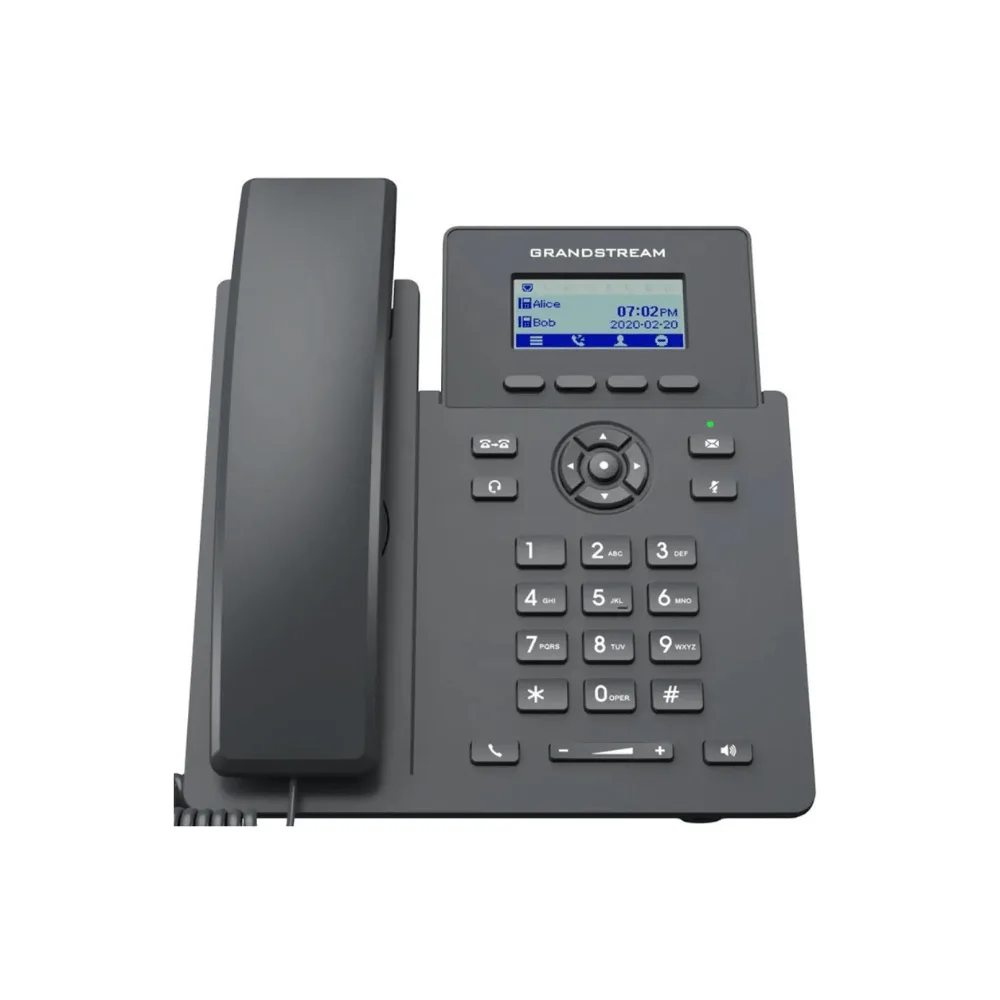
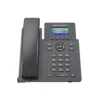
Cover the basic communication needs of on-site or remote desktop workers with the Grandstream GRP2601P, a 2-line essential IP phone designed for mass deployment and easy management. With integrated PoE, HD audio, and zero-touch provisioning, the GRP2601P is a straightforward, cost-effective choice for enterprises, service providers, and other high-volume deployments.
Quick Specs
- Type: 2-Line Essential IP Phone
- SIP Accounts: 2 SIP accounts/lines
- Display: 132 x 48 (2.41″) LCD display
- Audio: HD audio with 5-way voice conferencing
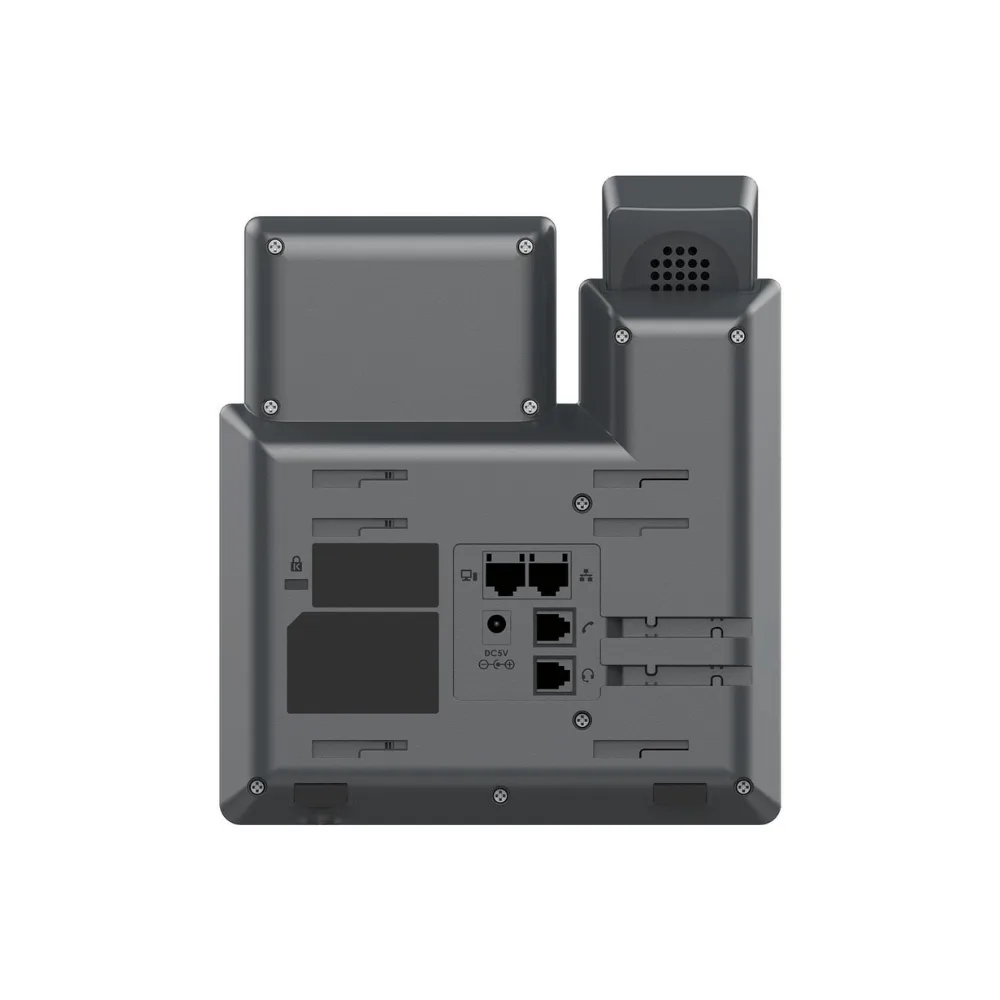
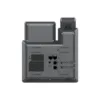
- Network Ports: Dual switched auto-negotiation 10/100 Mbps Ethernet ports
- Power: Integrated PoE (IEEE 802.3af Class 1)
- Feature Keys: 4 XML programmable soft keys, 8 dedicated function keys
- Headset Support: EHS support for Plantronics, Jabra, and Sennheiser headsets
- Security: Secure boot, dual firmware images, encrypted data storage
- Management: Zero-touch provisioning, supported by Grandstream GDMS
- Ideal For: Enterprises, service providers, and mass deployment environments
Why Buy
- Effortless mass deployment: Zero-touch provisioning gets large fleets of phones up and running with minimal manual setup.
- Simple installation: Integrated PoE delivers power and network connectivity over a single cable.
- Clear communication: HD audio and 5-way voice conferencing support everyday calls and quick team discussions.
- Flexible headset use: EHS support lets staff pair compatible Plantronics, Jabra, and Sennheiser headsets.
- Enterprise-grade security: Secure boot and encrypted data storage protect devices at scale.
- Centralized management: Provision, monitor, and troubleshoot phones across your organization using GDMS.
Insights
Organizations rolling out phones to large numbers of desks or workstations often need a device that’s simple to configure at scale, without sacrificing the core features employees rely on daily. The GRP2601P is built around this need, combining zero-touch provisioning with GDMS support so IT teams can configure, monitor, and update phones centrally rather than handling each unit individually.
Its dual Ethernet ports and integrated PoE also simplify desk setups, allowing the phone to sit inline between a workstation and the network switch while drawing power from the same cable that carries data, reducing cable clutter across the office.
Key Features
2 SIP Accounts
Supports 2 SIP accounts/lines, covering the essential calling needs of desktop and remote workers.
HD Audio & Conferencing
Delivers HD audio quality along with 5-way voice conferencing to support quick, efficient team discussions.
Integrated PoE
Built-in Power over Ethernet (IEEE 802.3af Class 1) powers the phone and provides network connectivity through a single cable.
Dual Ethernet Ports
Two 10/100 Mbps auto-negotiation Ethernet ports allow the phone to sit inline between a workstation and the network.
Zero-Touch Provisioning
Designed for mass deployment, the GRP2601P can be provisioned automatically, reducing manual setup across large phone fleets.
Convenient Feature Keys
Includes 4 XML programmable soft keys and 8 dedicated function keys for message, transfer, headset, mute, redial, speakerphone, and volume control.
Headset Compatibility
EHS support enables seamless integration with compatible Plantronics, Jabra, and Sennheiser headsets.
Enterprise-Level Security
Features secure boot, dual firmware images, and encrypted data storage to protect devices deployed at scale.
Use Cases
- Mass Office Deployment: Roll out phones across large numbers of desks with zero-touch provisioning.
- Remote & On-Site Workers: Provide a reliable, essential phone for basic day-to-day calling needs.
- Call Centers: Use headset compatibility and dedicated function keys to support high call volumes.
- Service Provider Deployments: Deploy at scale with centralized configuration and monitoring via GDMS.
- Small-to-Medium Business: Equip staff with a straightforward, cost-effective desk phone.
Is It Right?
This IP phone is a great choice if you:
- Need a straightforward, cost-effective phone for essential calling needs.
- Are deploying phones across many desks or locations at once.
- Want to power and connect the phone using a single PoE cable.
- Rely on a compatible headset for calls throughout the day.
- Manage phone fleets centrally using GDMS.
You may want to consider another option if you:
- Need more than 2 SIP accounts or advanced call handling features.
- Require built-in Wi-Fi, since this model relies on wired Ethernet with PoE (see the GRP2601W for wireless).
- Need a larger display or expansion module support for a receptionist-style setup.
Specifications
| Device Type | 2-Line Essential IP Phone |
| SIP Accounts | 2 SIP accounts/lines |
| Display | 132 x 48 (2.41″) LCD display |
| Audio | HD audio, 5-way voice conferencing |
| Network Ports | 2x 10/100 Mbps auto-negotiation Ethernet ports |
| Power | Integrated PoE (IEEE 802.3af Class 1) |
| Feature Keys | 4 XML programmable soft keys, 8 dedicated function keys |
| Headset Support | EHS support for Plantronics, Jabra, and Sennheiser |
| Security | Secure boot, dual firmware images, encrypted data storage |
| Provisioning | Zero-touch provisioning, GDMS supported |
| Recommended Environment | Enterprises, service providers, and mass deployment environments |
Compatibility
- Power Source: Compatible with standard 802.3af PoE switches or injectors.
- Headsets: Compatible with EHS-enabled Plantronics, Jabra, and Sennheiser headsets.
- Management Platform: Fully supported by Grandstream’s Device Management System (GDMS) for centralized provisioning.
- SIP Platforms: Works with standard SIP-based VoIP services and IP PBXs.
Setup
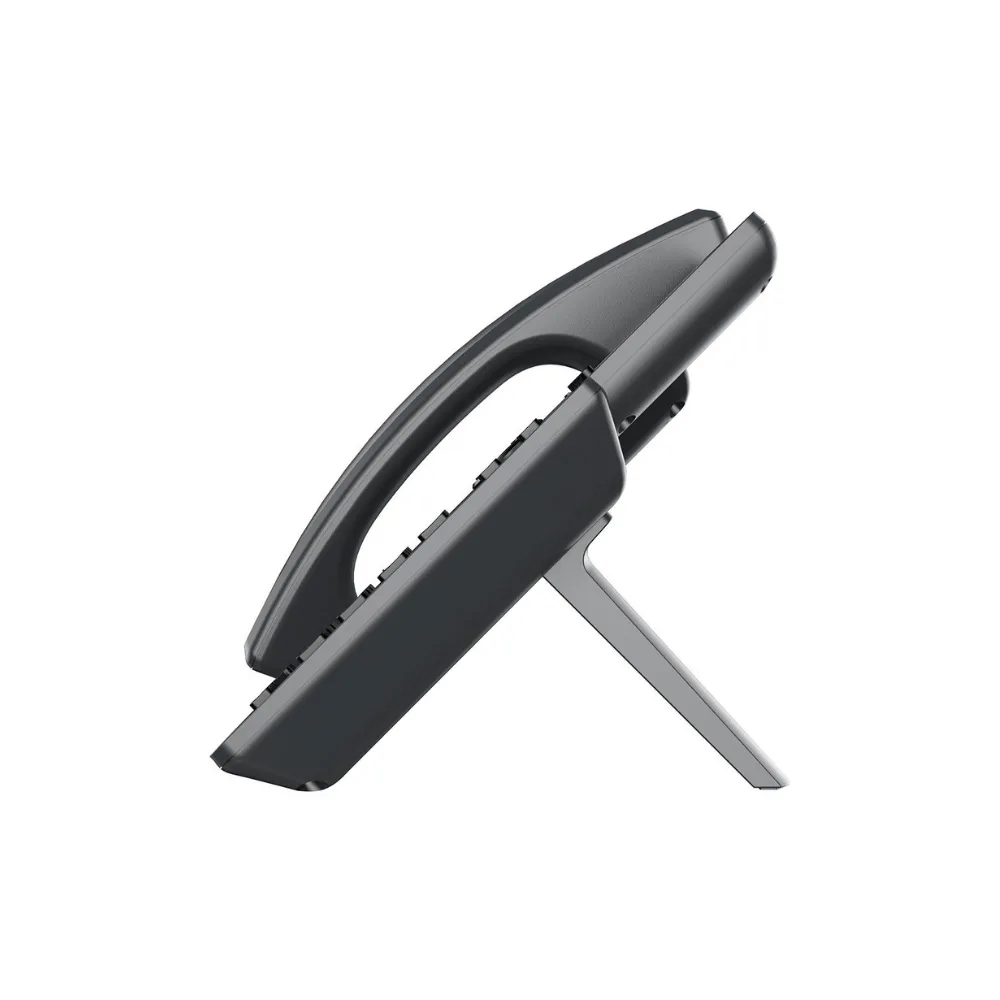
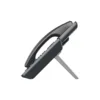
- Position the phone on the desk using the included base stand.
- Connect an Ethernet cable from the GRP2601P’s network port to a PoE switch or injector.
- Allow zero-touch provisioning to configure the phone automatically, or set up SIP accounts manually via the web interface.
- Connect a compatible headset, if desired, using the EHS-supported connection.
- Configure feature keys for message, transfer, and other frequently used functions.
- Add the phone to GDMS if managing multiple units across your organization.





Reviews
There are no reviews yet