
Description
Overview
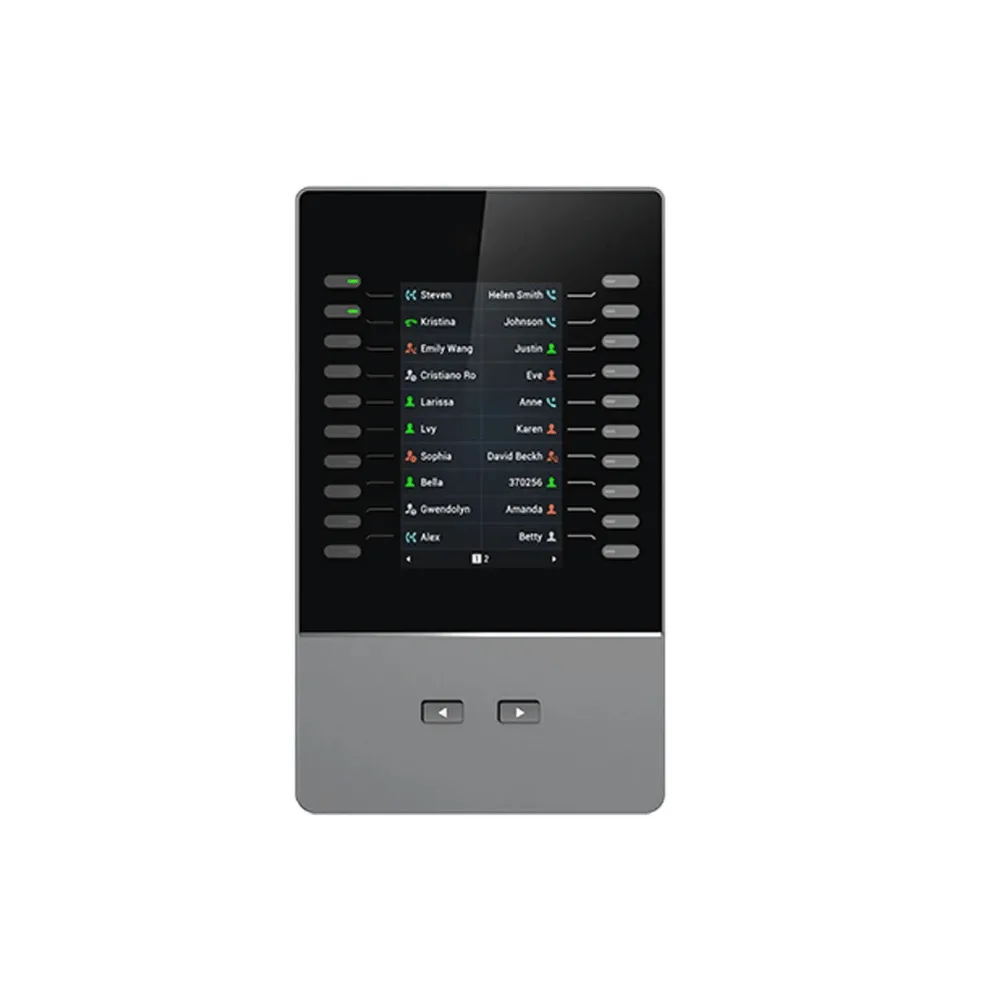
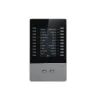
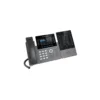
Add functionality, versatility, and flexibility to your Grandstream desk phone with the GBX20 Extension Module. Featuring a 4.3-inch color LCD, 20 dual-colored extension keys, and support for up to 40 contacts per module, it’s an ideal solution for businesses and receptionists managing high call volumes, helping teams monitor and dispatch incoming calls more efficiently.
Quick Specs
- Type: Extension Module for compatible Grandstream IP phones
- Display: 4.3-inch (272×480) TFT color LCD
- Extension Keys: 20 dual-colored keys plus 2 arrow keys for page switching
- Contacts per Module: Up to 40 (20 keys x 2 pages)
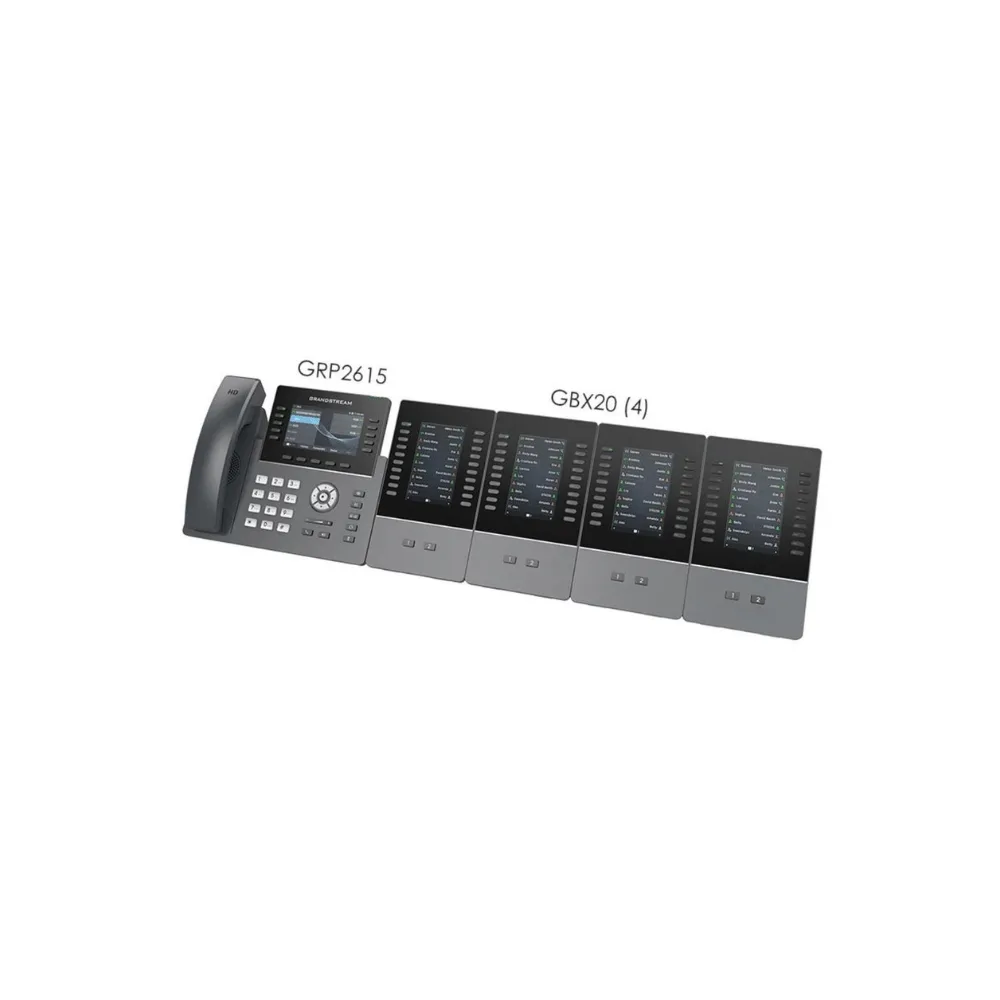
- Max Daisy-Chained Modules: Up to 4, for up to 160 contacts/extensions
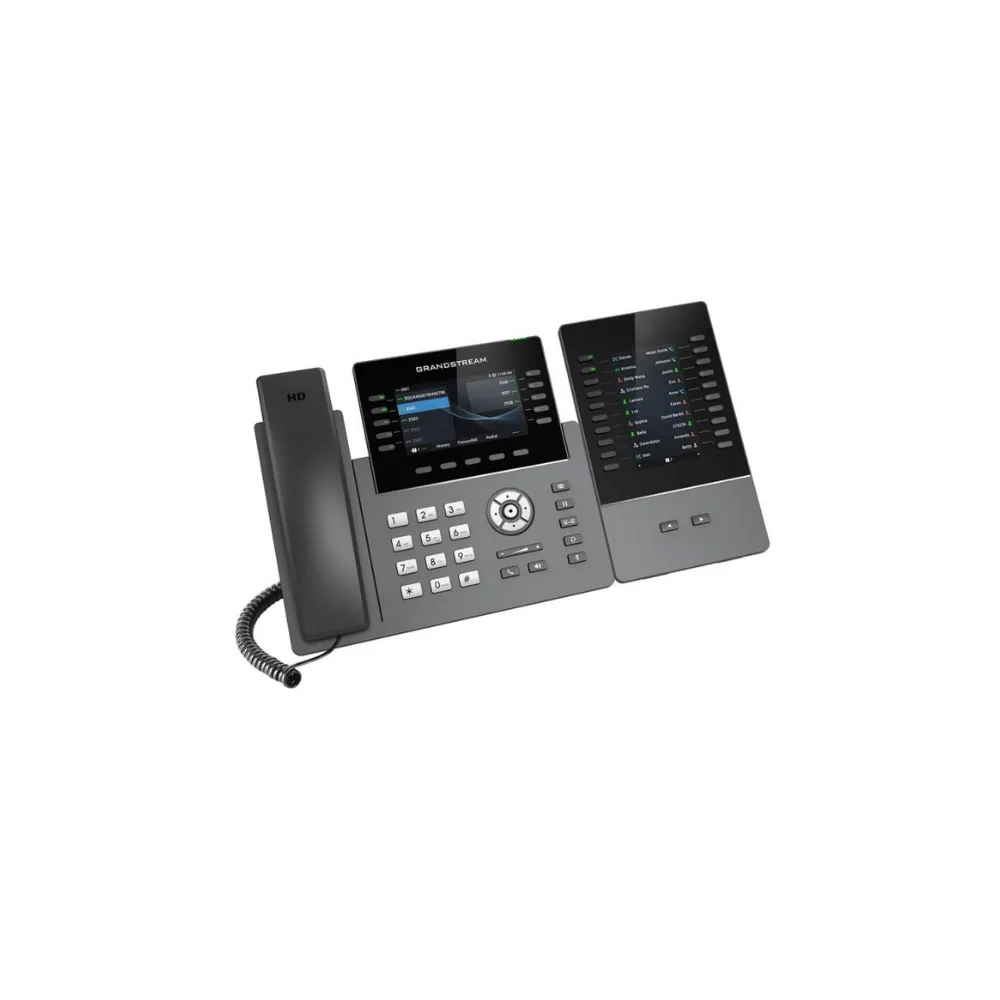
- Compatible Phones: GRP2615, GRP2624, GRP2650, GRP2670, GXV3350, GXV3450
- Call Features: BLF, call park/pick-up, speed-dial, presence, intercom, conferencing, transfer/forward
- Power: Powered by host phone; included 12V PSU required when 2 or more modules are connected
- Ideal For: Receptionists and businesses handling high call volumes
Why Buy
- More contacts at a glance: Up to 40 contacts per module keep frequently used extensions within easy reach.
- Scales with your team: Daisy-chain up to 4 modules for as many as 160 contacts/extensions.
- Faster call handling: BLF and call park/pick-up let receptionists monitor and manage calls efficiently.
- Clear visibility: A bright 4.3-inch color LCD makes extension names and statuses easy to read.
- Simple integration: Connects directly to compatible Grandstream phones, drawing power from the host device.
- Broad phone compatibility: Works with multiple carrier-grade IP phones and IP video phones in Grandstream’s lineup.
Insights
Receptionists and staff who handle a high volume of incoming calls often need to see the status of many lines and colleagues at once, something a standard phone’s limited keys and screen space can’t easily provide. The GBX20 solves this by adding 20 dedicated extension keys with page switching, giving front-desk and call-handling staff quick visual access to line status without having to navigate menus.
Because up to 4 GBX20 modules can be daisy-chained together, growing businesses can scale up their extension visibility over time, adding modules as headcount increases rather than replacing existing phone hardware.
Key Features
4.3-Inch Color LCD
A 272×480 TFT color display provides clear, easy-to-read visibility of extension names, numbers, and status.
20 Extension Keys, 40 Contacts
20 dual-colored extension keys plus 2 arrow keys for page switching give each module a capacity of up to 40 contacts.
Expandable to 160 Contacts
Connect up to 4 GBX20 modules in a daisy chain to support as many as 160 contacts/extensions from a single phone.
Advanced Call Features
Supports BLF, call park/pick-up, speed-dial, presence, intercom, and voice conferencing transfer/forward for efficient call management.
Broad Phone Compatibility
Works with the GRP2615, GRP2624, GRP2650, GRP2670 carrier-grade IP phones as well as the GXV3350 and GXV3450 IP video phones.
Simple Power & Setup
A single GBX20 draws power directly from the host phone; the included 12V power supply is used when connecting 2 or more modules together.
Use Cases
- Front Desk & Reception: Monitor and dispatch a high volume of incoming calls efficiently.
- Executive Assistants: Keep frequently contacted colleagues and lines just one key press away.
- Call Centers: Track presence and line status across a large team using BLF.
- Growing Offices: Add extension modules as staff numbers increase, up to 160 contacts total.
- Multi-Line Businesses: Manage call park, pick-up, and transfers quickly across multiple extensions.
Is It Right?
This extension module is a great choice if you:
- Own a compatible Grandstream phone and need more visible extensions or contacts.
- Manage a high volume of incoming calls as a receptionist or front-desk team.
- Want to monitor colleague presence and line status at a glance.
- Expect your team or contact list to grow and want an expandable solution.
- Rely on features like call park, pick-up, or speed-dial throughout the day.
You may want to consider another option if you:
- Don’t own one of the compatible Grandstream IP phones, since the GBX20 cannot operate standalone.
- Only manage a small number of contacts that fit comfortably on your phone’s existing keys.
- Need a cordless or mobile extension solution rather than a desk-mounted module.
Specifications
| Device Type | Extension Module |
| Display | 4.3-inch (272×480) TFT color LCD |
| Keys | 20 dual-colored extension keys, 2 arrow keys for page switching |
| Contacts per Module | Up to 40 (20 keys across 2 pages) |
| Max Modules | Up to 4 daisy-chained, for up to 160 contacts/extensions |
| Compatible Phones | GRP2615, GRP2624, GRP2650, GRP2670, GXV3350, GXV3450 |
| Call Features | BLF, call park/pick-up, speed-dial, presence, intercom, voice conferencing transfer/forward |
| Power | Powered by host phone; included 12V/1A PSU required for 2 or more modules |
| Firmware Upgrades | Delivered through the host phone’s network connection |
| Operating Environment | 0°C to 40°C, 10% to 90% humidity, non-condensing |
| Recommended Environment | Front desks, receptionists, and businesses managing high call volumes |
Compatibility
- Carrier-Grade IP Phones: Compatible with the GRP2615, GRP2624, GRP2650, and GRP2670.
- IP Video Phones: Compatible with the GXV3350 and GXV3450.
- Multi-Module Setups: Up to 4 GBX20 units can be daisy-chained together on a single supported phone.
- Power Accessories: Requires the included 12V/1A power adapter when connecting more than one module.
Setup
- Confirm compatibility with your Grandstream phone model before installing.
- Attach the extension board connector plate and install the included base stands on both the phone and the GBX20.
- Connect the GBX20 to your phone using the included USB cable.
- Connect the 12V power adapter if you are installing 2 or more modules together.
- Power on the phone to allow the GBX20 to initialize and sync with the host device.
- Configure extensions and features such as BLF and speed-dial through the phone’s settings.





Reviews
There are no reviews yet