
Description
Overview
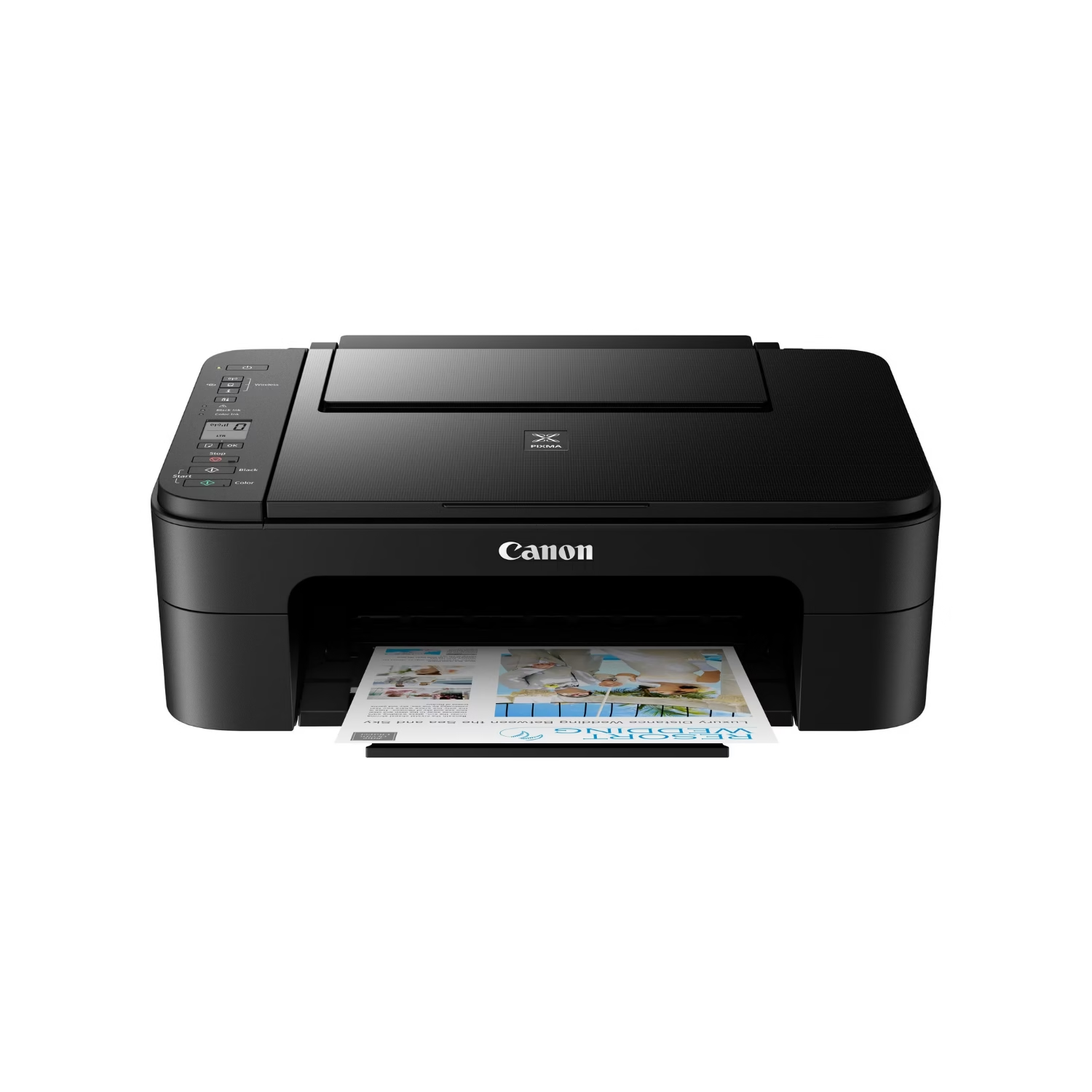
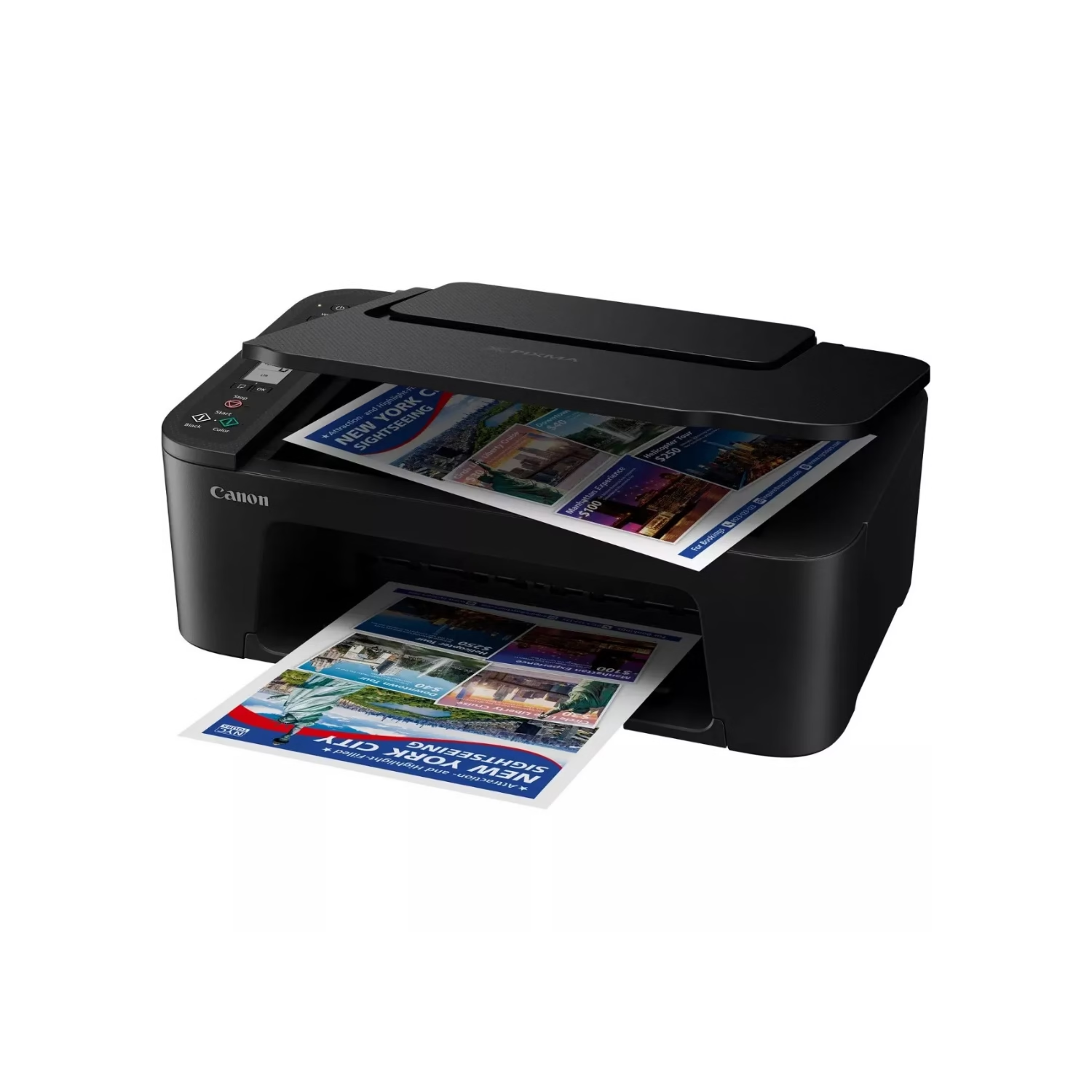
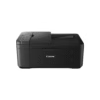
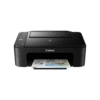
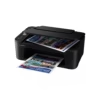
Print, scan and copy from one compact machine with the Canon PIXMA TS3640 All-in-One Wireless Inkjet Printer, an entry-level multifunction printer designed for homes and small home offices. Combining Wi-Fi connectivity, up to 4800 x 1200 dpi print resolution, a flatbed scanner, and borderless photo printing, the TS3640 handles everyday documents, school projects, and family photos with minimal fuss.
Unlike a basic print-only inkjet, the TS3640 is a complete three-in-one that prints, copies and scans, and it can be operated from a phone or tablet as easily as from a computer. Set-up is quick with one-touch wireless connectivity, and you can print through the Canon PRINT app, Apple AirPrint, Mopria, and PIXMA Cloud Link, making it a practical, affordable choice for households that print a little of everything.
Quick Specs
- Product Type: Wireless All-in-One Inkjet Printer (Print, Scan, Copy)
- Print Resolution: Up to 4800 x 1200 dpi
- Print Speed: Approx. 7.7 ipm (mono), approx. 4.0 ipm (colour)
- Photo Print Speed: Approx. 65 seconds for a borderless 10 x 15 cm photo
- Ink System: 2 FINE cartridges (PG-445 black, CL-446 colour), XL cartridges available
- Scanner: CIS flatbed photo and document scanner, 600 x 1200 dpi optical resolution
- Connectivity: Wi-Fi, Hi-Speed USB, Wi-Fi PictBridge
- Mobile & Cloud Printing: Canon PRINT app, Apple AirPrint, Mopria, PIXMA Cloud Link
- Borderless Printing: 13 x 18 cm, 10 x 15 cm and 13 x 13 cm
- Display: 1.5″ mono segment LCD
- Paper Handling: Rear paper feed; manual two-sided printing
- Dimensions: 435 x 327 x 145 mm
- Ideal For: Home users, students, families, and light home-office use
Why Buy
- Three machines in one: Print, scan and copy from a single compact unit, saving both money and desk space.
- Truly wireless: Connect over Wi-Fi and print from anywhere in the home, with no cables tying the printer to one computer.
- Print from your phone: Canon PRINT, AirPrint and Mopria support let you print, scan and copy directly from iOS and Android devices.
- Cloud-ready: PIXMA Cloud Link, available through the Canon PRINT app, lets you print from popular cloud services without going via a computer.
- Sharp documents and vivid photos: Up to 4800 x 1200 dpi resolution delivers crisp text, and borderless printing gives photos a polished, frame-ready finish.
- Flexible running costs: Standard and XL FINE cartridges let you choose between a lower upfront cost and more pages per cartridge.
- Compact and energy-conscious: A small footprint and an auto power on/off feature suit shared living spaces and small desks.
Use Cases
- Home Offices: Print invoices and letters, scan contracts and receipts, and copy documents without leaving your desk.
- Students: Print assignments and study notes, and scan textbook pages or handwritten work.
- Families: Share one wireless printer between everyone’s phones, tablets and laptops.
- Photo Printing: Produce borderless 10 x 15 cm and 13 x 18 cm prints for frames, albums and gifts.
- Crafts and Creative Projects: Use Canon’s Creative Park and Easy-PhotoPrint Editor for cards, calendars and school projects.
- Small Spaces: Fit a capable all-in-one into a bedroom, study nook or small apartment.
Is It Right?
This printer is a great choice if you:
- Want an affordable all-in-one that prints, scans and copies.
- Print mainly from a smartphone or tablet and want simple wireless set-up.
- Print light to moderate volumes of documents and the occasional photo.
- Need a compact printer that fits on a small desk or shelf.
- Want borderless photo prints for albums and frames.
- Prefer a simple, easy-to-use machine over a feature-heavy one.
You may want to consider another option if you:
- Print high volumes every month (consider a refillable ink tank model, such as Canon’s PIXMA G series, for lower cost per page).
- Need automatic two-sided printing, as the TS3640 supports manual duplex only.
- Need an automatic document feeder for scanning or copying multi-page documents.
- Want more advanced media handling or a larger display (consider a step-up PIXMA model such as the TS5340).
Compatibility
- iPhone and iPad: Print wirelessly with Apple AirPrint or the Canon PRINT app, with no extra drivers needed.
- Android Devices: Print using Mopria or the Canon Print Service Plugin, or manage the printer through the Canon PRINT app.
- Windows and Mac Computers: Connect over Wi-Fi or Hi-Speed USB. Please check the Canon Download Centre for drivers and the latest supported operating systems.
- Cloud Services: Print from supported cloud services through PIXMA Cloud Link in the Canon PRINT app.
- Compatible Cameras: Print directly over Wi-Fi using PictBridge technology.
- Canon Creative Apps: Works with Easy-PhotoPrint Editor and Creative Park for photo layouts and printable crafts.
- Canon Ink and Paper: Uses PG-445/CL-446 and PG-445XL/CL-446XL cartridges and supports Canon photo, magnetic and restickable papers.





Great and good product