
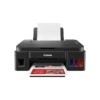
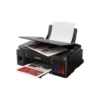
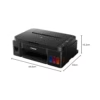
Description
Overview
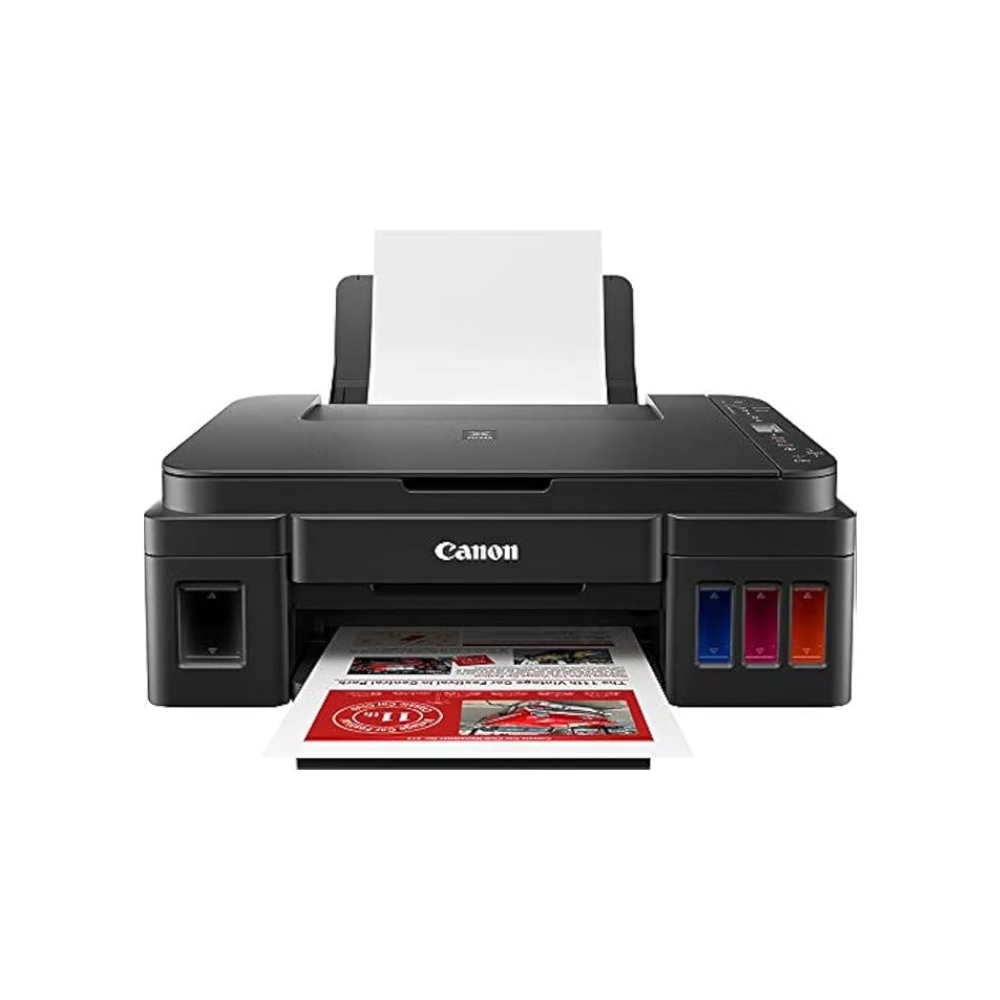
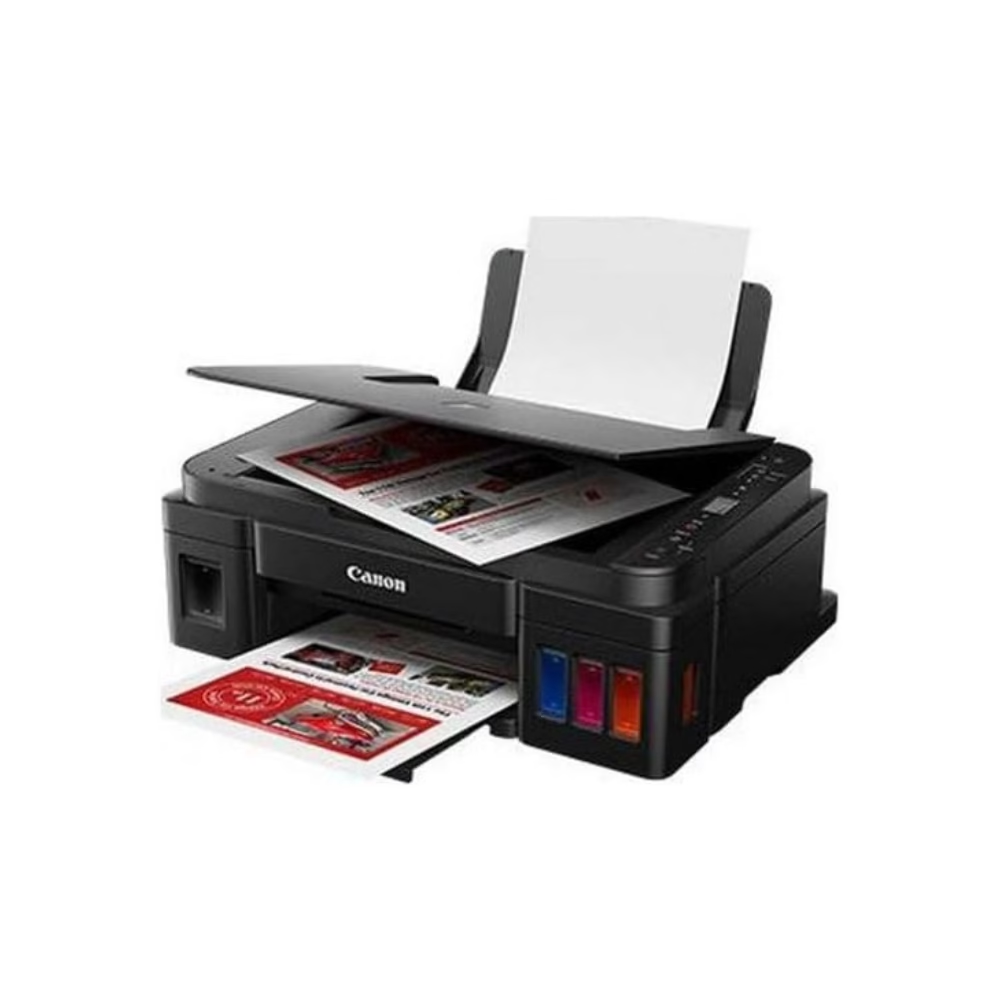
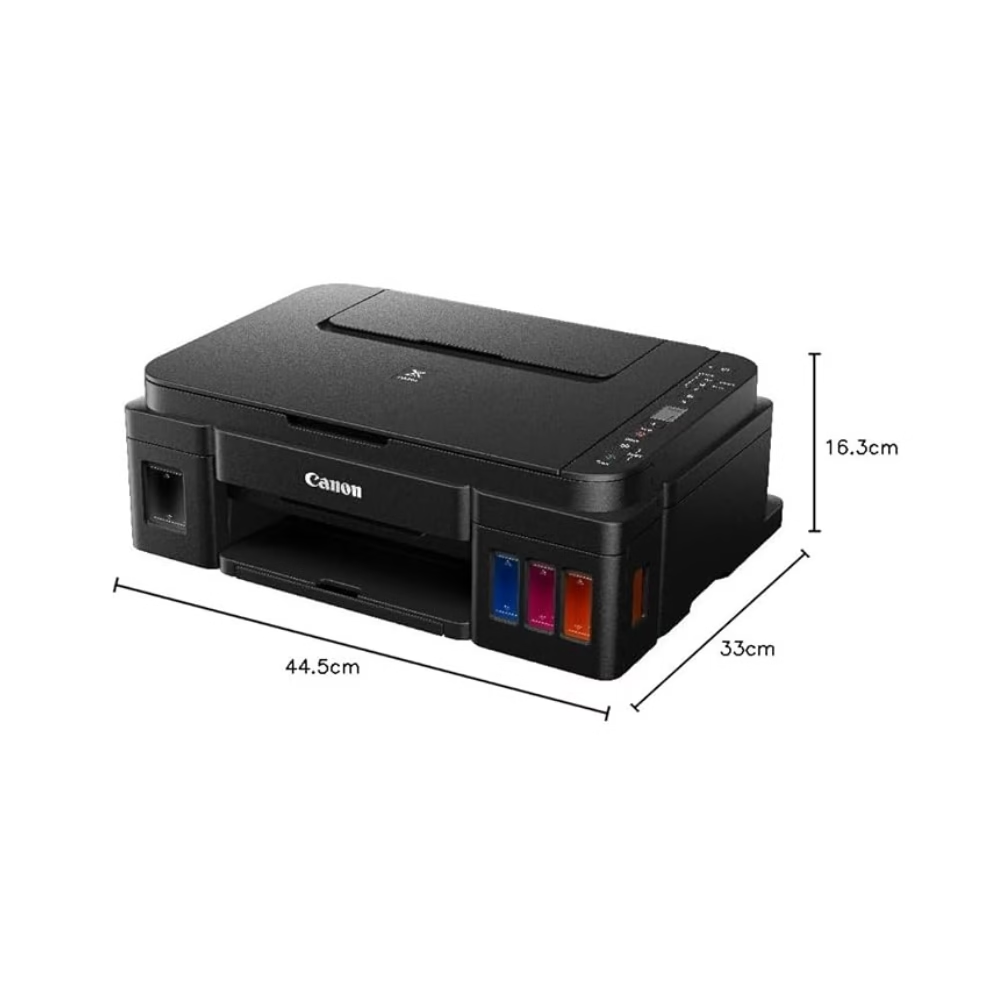
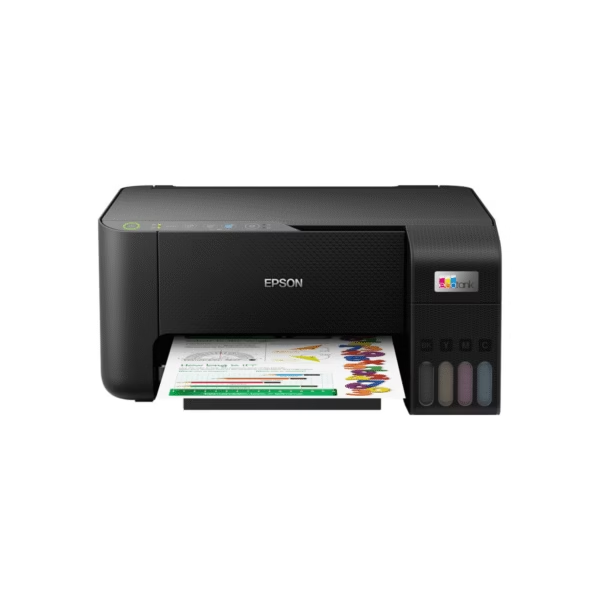
Enjoy exceptional value, productivity, and performance with this reliable Canon Wi-Fi multifunction printer, designed for both home and small office environments. Combining printing and scanning with wireless connectivity, high ink yields, and low running costs, it is built for users who want professional-quality results without the high cost of everyday printing.
Quick Specs
- Functions: Print & Scan
- Connectivity: Wi-Fi
- Mobile Printing: Canon PRINT app for iOS and Android
- Cloud Printing: PIXMA Cloud Link
- Android Support: Mopria®
- Black Ink Yield: Up to 6,000 pages
- Colour Ink Yield: Up to 7,000 pages from a full set of colour ink bottles
- Print Technology: Canon FINE technology with hybrid ink system
- Photo Printing: Borderless photos up to A4 size
- Ideal For: Home, remote work, and small offices
Why Buy
- Lower printing costs: High-yield ink bottles help reduce the cost per page.
- Fewer refills: Print up to 6,000 black pages or up to 7,000 colour pages from the specified ink supply.
- Quality results: Produce crisp text and vibrant colour prints.
- Wireless convenience: Print and scan without being connected directly to a computer.
- Easy mobile control: Manage everyday printing and scanning through the Canon PRINT app.
- Flexible placement: Wi-Fi connectivity helps keep your workspace neat and organised.
Insights
If you print frequently, ink efficiency can make a significant difference to your overall printing costs. This Canon multifunction printer combines high page yields with low-cost printing to help reduce the frequency of ink refills and minimise interruptions during everyday use.
Its hybrid ink system also provides versatility for different printing needs. Pigment black ink produces crisp, sharp text for professional documents, reports, and forms, while dye-based colour inks deliver rich and vibrant tones for photographs, charts, and creative projects.
Key Features
High-Yield Ink System
Print up to 6,000 pages from a single black ink bottle or up to 7,000 pages from a full set of colour ink bottles. High page yields mean fewer refills and greater convenience for regular printing.
Canon FINE Technology
Canon’s FINE (Full-photolithography Inkjet Nozzle Engineering) technology helps deliver detailed, high-quality results across documents, graphics, and photos.
Hybrid Ink System
Pigment black ink produces sharp and readable text, while dye-based colour inks provide rich and vibrant colours for photos and creative projects.
Wireless Printing and Scanning
Built-in Wi-Fi allows you to print and scan wirelessly from compatible devices, giving you greater flexibility when setting up your workspace.
Canon PRINT App
Use the intuitive Canon PRINT app on compatible iOS and Android devices to print photos, scan documents, and check ink levels directly from your smartphone or tablet.
PIXMA Cloud Link
With PIXMA Cloud Link, you can print directly from supported cloud services, helping you stay productive without always needing a computer.
Mopria® Support
Android users can enjoy convenient printing from compatible applications with built-in Mopria® support.
Borderless Photo Printing
Create vibrant borderless photos in sizes up to A4, making the printer suitable for both everyday documents and creative projects.
Use Cases
- Home Printing: Print everyday documents, school assignments, forms, photos, and creative projects.
- Remote Work: Produce reports, work documents, forms, and other essential paperwork from your home workspace.
- Small Office: Handle regular printing and scanning requirements while keeping running costs economical.
- Photo and Creative Projects: Produce vibrant colour prints and borderless photos up to A4 size.
- High-Volume Printing: High-yield ink bottles help reduce interruptions caused by frequent refills.
Is It Right?
This printer is a great choice if you:
- Print regularly and want to keep running costs low.
- Need both printing and scanning in one device.
- Want wireless printing from smartphones and tablets.
- Print a combination of documents and colour photos.
- Prefer high-yield ink for fewer refills.
- Need a practical printer for home or small-office use.
You may want to consider another option if you:
- Need specialised professional printing equipment.
- Require advanced features beyond standard printing and scanning.
- Primarily need a dedicated high-end photo or business printer.
Specifications
| Printer Type | Wi-Fi Multifunction Printer |
| Functions | Print & Scan |
| Ink System | Hybrid ink system |
| Print Technology | Canon FINE technology |
| Black Ink Yield | Up to 6,000 pages |
| Colour Ink Yield | Up to 7,000 pages from a full set of colour ink bottles |
| Maximum Borderless Photo Size | Up to A4 |
| Wireless Connectivity | Wi-Fi |
| Mobile App | Canon PRINT |
| Cloud Printing | PIXMA Cloud Link |
| Android Printing | Mopria® support |
| Recommended Environment | Home, remote work, and small office |
Compatibility
- iOS Devices: Compatible with the Canon PRINT app.
- Android Devices: Compatible with the Canon PRINT app and supports Mopria® printing.
- Cloud Services: Supports direct printing through PIXMA Cloud Link.
- Wireless Devices: Wi-Fi enables convenient printing and scanning across compatible devices.
Setup
- Position the printer in a suitable location with access to power and your wireless network.
- Install the ink according to the printer’s instructions.
- Connect to Wi-Fi using the printer’s setup process.
- Install the Canon PRINT app on your compatible iOS or Android device.
- Connect your device to the printer through the app.
- Start printing or scanning directly from your compatible smartphone, tablet, or other supported device.



Reviews
There are no reviews yet